Watchable Lifetime · pay once, yours for life · for community members

The AI social media manager for Windows

Plan it. Edit it.
Post it.

Plan a week of videos on one calendar, make each one by describing the edit in plain words, and post it to YouTube on time. No editor to hire, no scheduler to juggle.

Lifetime licence: pay once Posts to YouTube on time Runs on an 8 GB Windows laptop Your footage stays on your PC
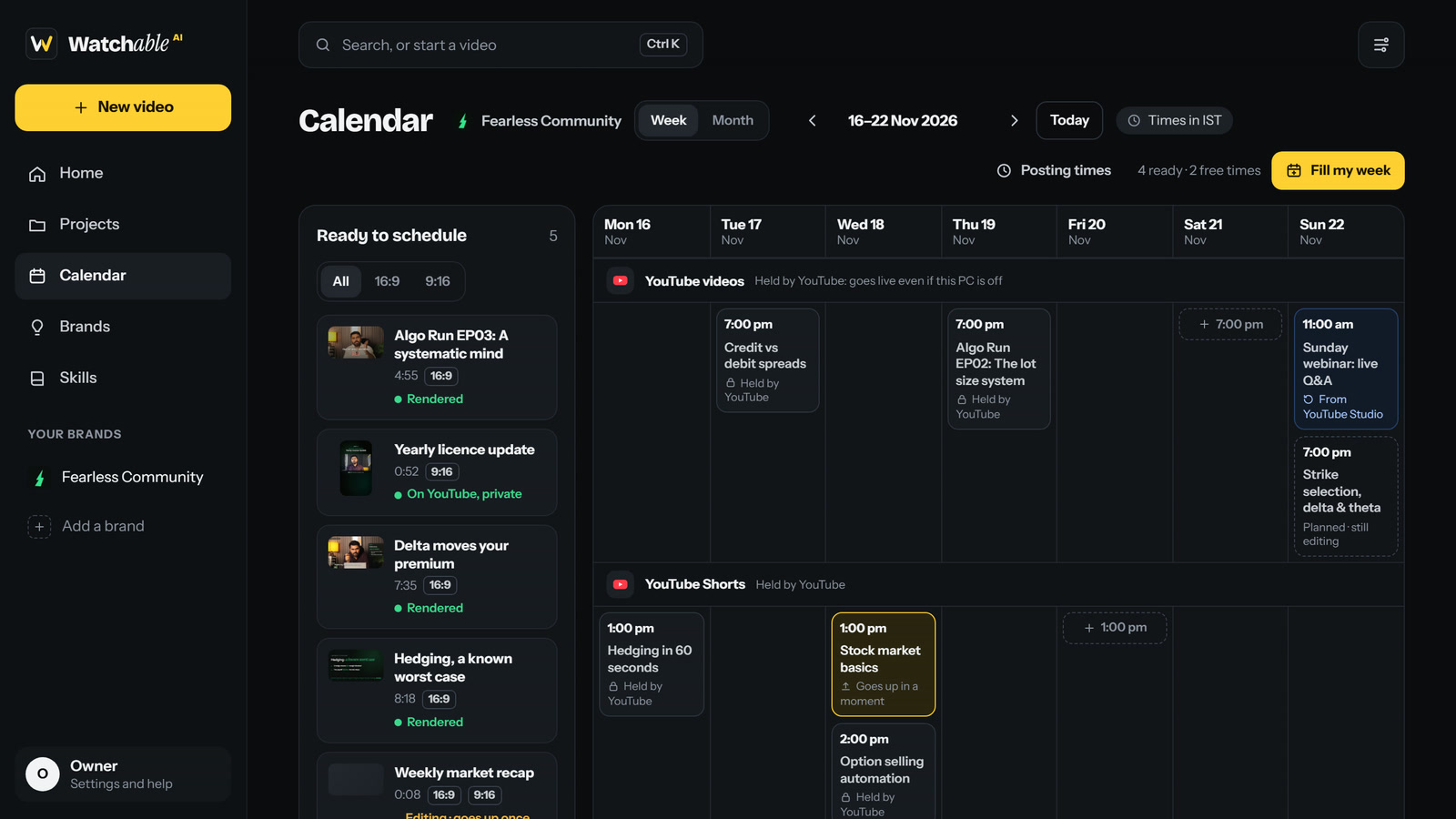
Watchable’s calendar: a week of YouTube videos and Shorts, with finished videos ready to schedule in a side panel
Plan. Drag finished videos onto days. Your usual posting times are already there, and Fill my week places what’s ready.

Real videos. Made with Watchable.

Scroll →
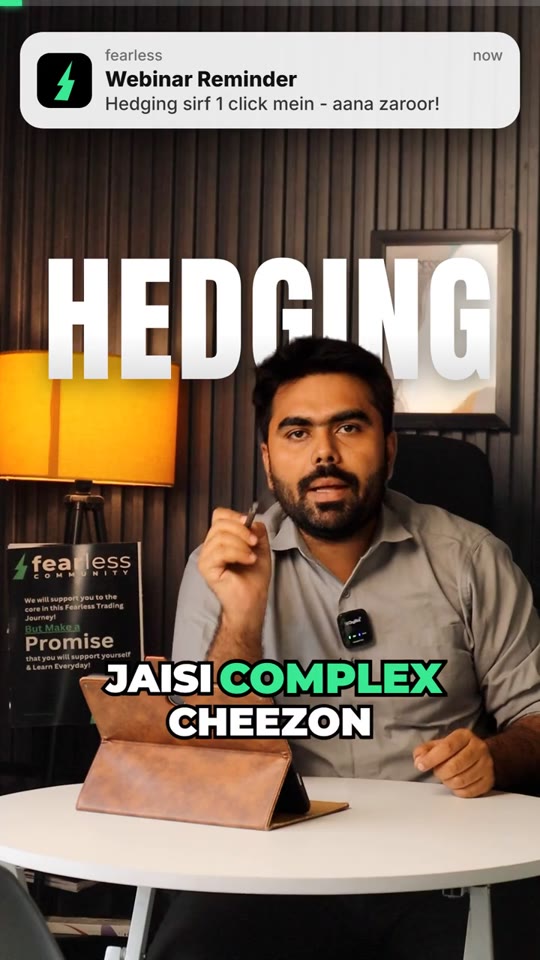
An explainer Reel titled Hedging, made with Watchable
Explainer Reel · 9:16
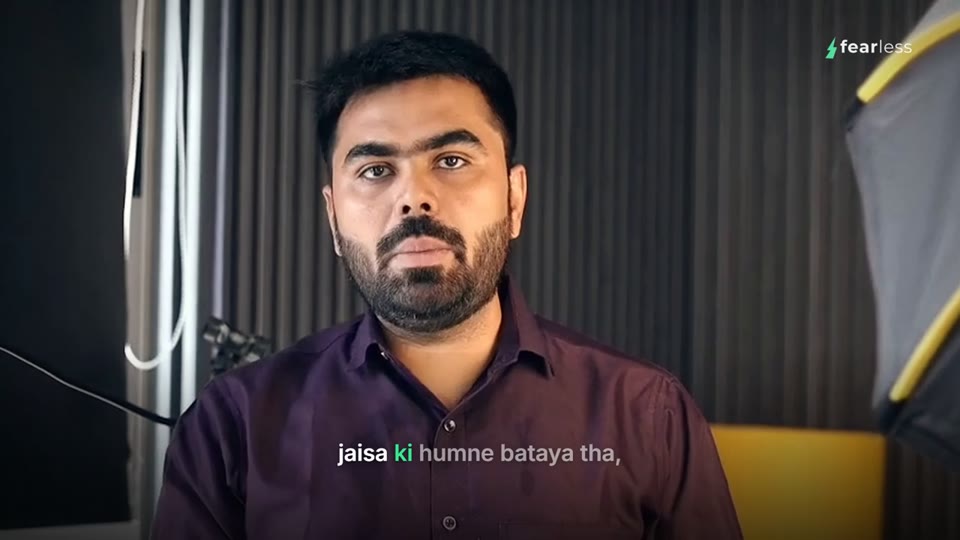
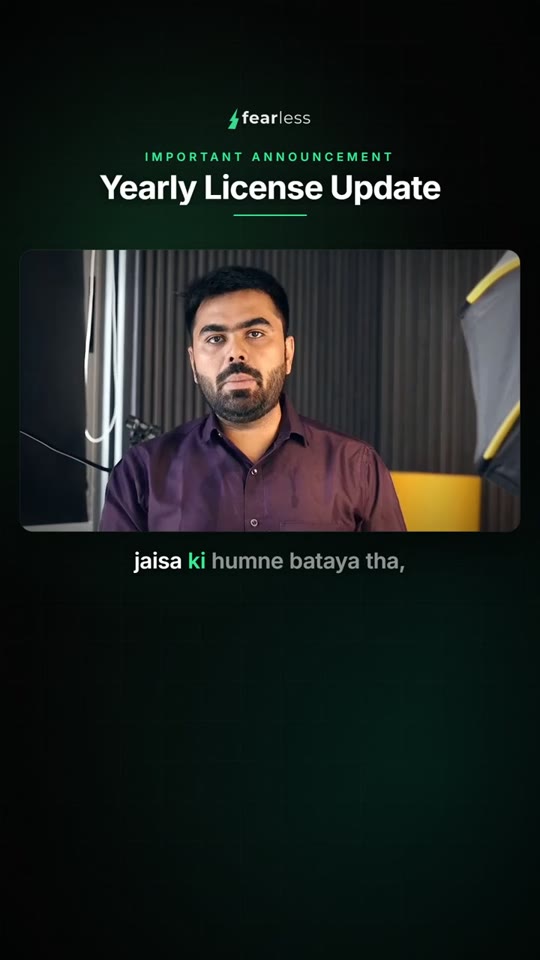
A webinar announcement video with captions
Announcement · 16:9
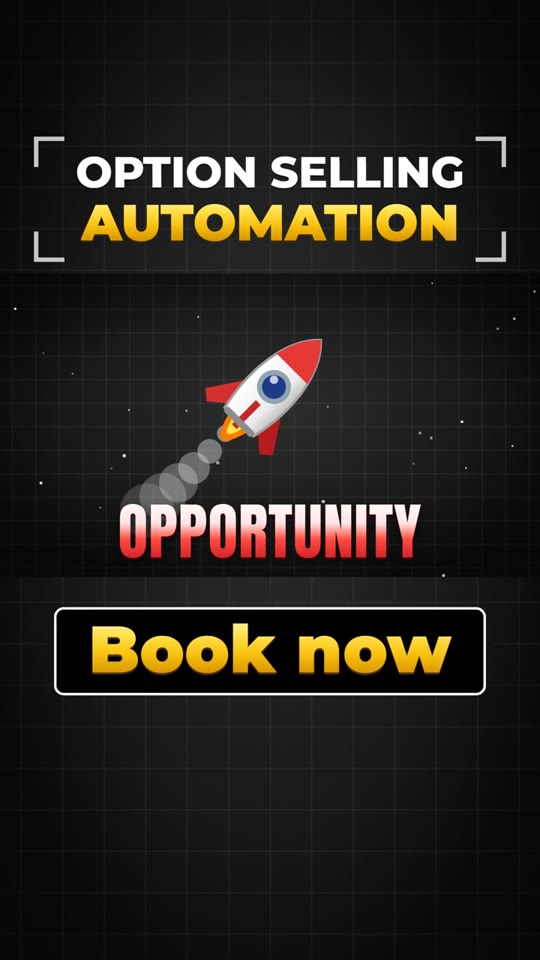
A vertical offer ad with motion graphics
Offer ad · 9:16
A launch film with large animated words
Launch film · any size
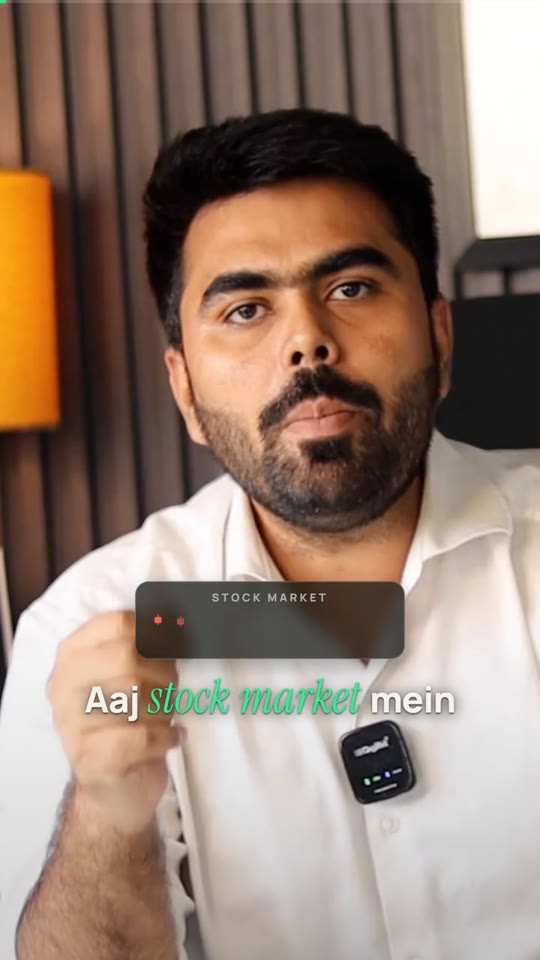
A vertical talking-head Reel with captions
Talking-head Reel · 9:16
A square feed ad
Feed ad · 1:1
A course lesson with the presenter
Course lesson · 16:9
The same announcement in 9:16
Same announcement · 9:16
How it works

Three steps. One app.

Watchable is a social media manager that edits, too. Plan the week, make the videos and post them, without passing work between an editor, a scheduler and a spreadsheet.

MONLaunch teaser Short1:00 pm
TUEProduct walkthrough7:00 pm
THUCustomer story still editing7:00 pm
SATFree posting time+ 7:00 pm
01 · Plan

Plan the week

A calendar for every channel you run. Drop videos on days, keep your usual posting times, or let Fill my week place what’s ready.

Make it feel like the reference, but in our colours.
On it. Matching the pace and the caption style, with your logo and yellow.
Describe your next change…
02 · Edit

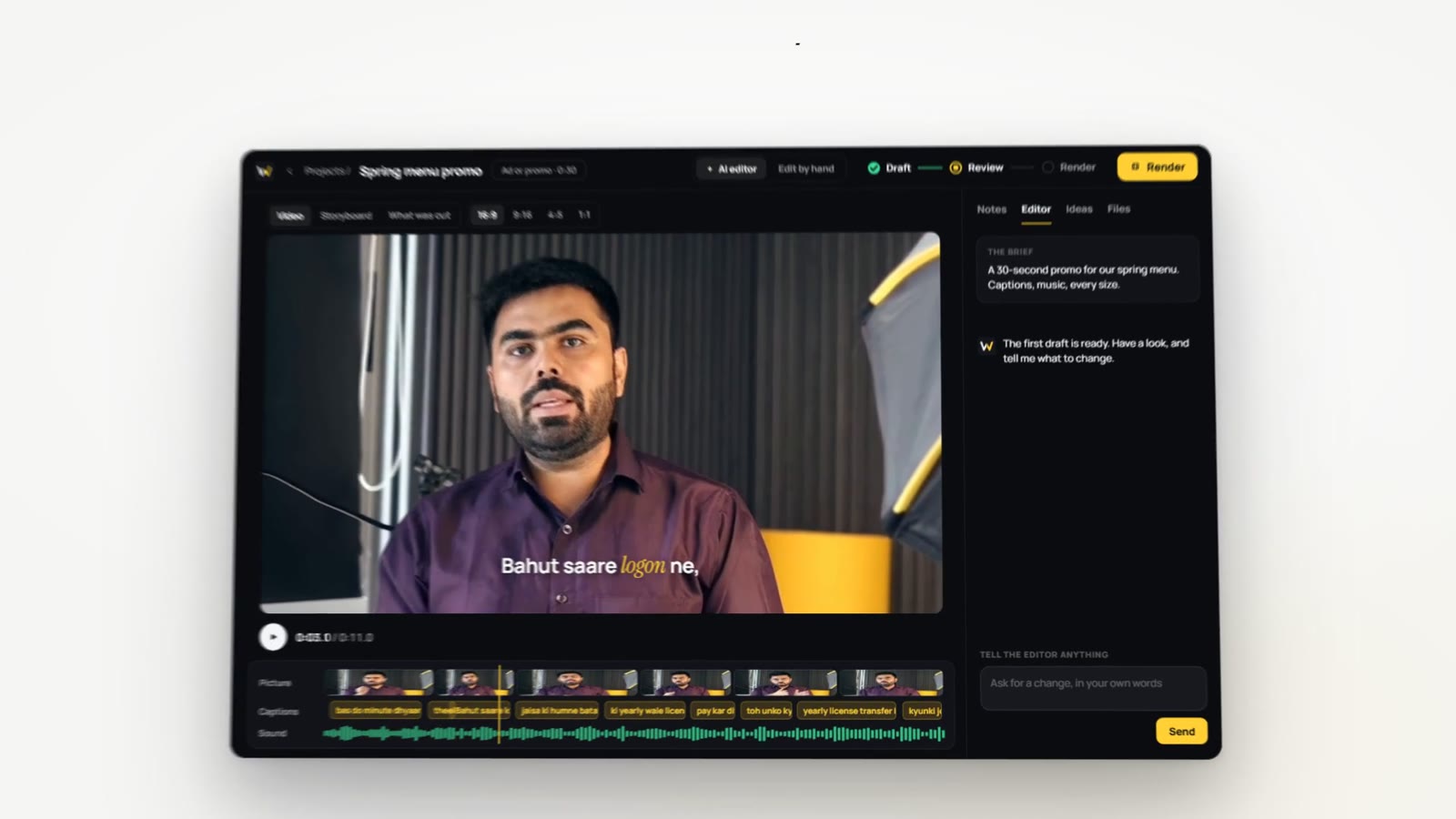
Describe the edit

Plain words, like a brief. Drop in your footage, point at a video you love and say “that, but my brand”.

YTYouTube videoFri, 7:00 pm
YTYouTube ShortSat, 1:00 pm
IGInstagram ReelNext
FBFacebookNext
03 · Publish

Post it on time

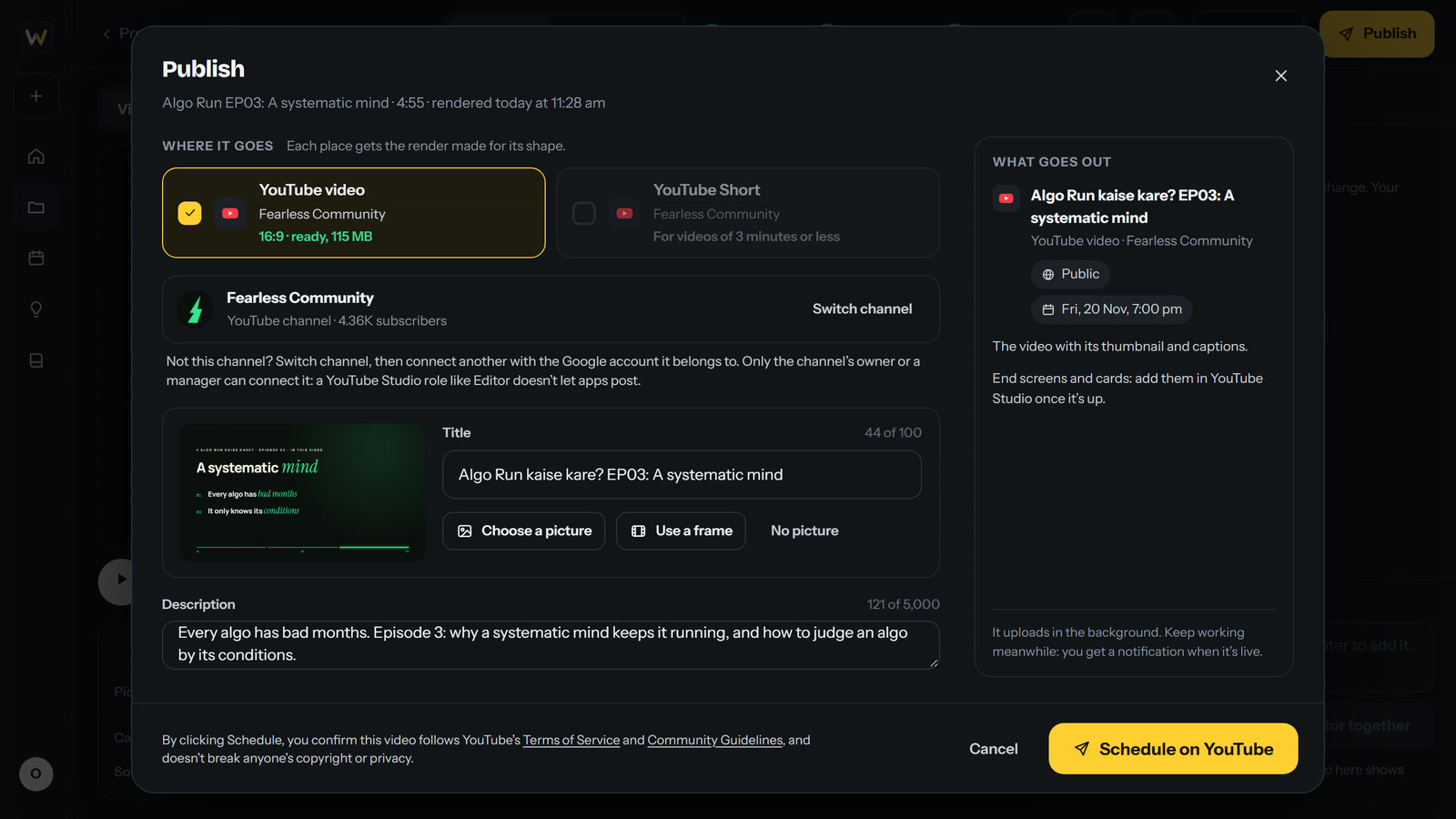
Title, tags, captions and thumbnail, then now or at a set time. YouTube today; Instagram and Facebook are next.

Plan and publish

Your week, planned and posted.

The calendar lives in the same app that makes your videos. What’s planned, what’s still editing and what’s live, in one view, for every channel you run.

Drag a video onto a day

Finished videos wait in a side panel. Drop one on a day and it’s booked at that day’s posting time.

Times that fit your channel

Posting times start from when your channel already posts, for videos and Shorts. Change them whenever you like.

Fill my week

One click puts what’s ready into your free times, and two posts too close together get flagged.

Plan before it’s made

Put a video on a day while it’s still editing. It goes up once it’s rendered.

Everything YouTube asks for

Title, description, tags, playlist, captions from your edit, and a thumbnail: a picture or any frame.

Live, even with your PC off

A scheduled video uploads ahead and YouTube holds it, then makes it public at your time.

Posts to YouTube videos Live YouTube Shorts Live Instagram Next Facebook Next

Videos you scheduled in YouTube Studio show on the calendar too.

Try it here

If you can say it, you can make it.

Pick a request and see what Watchable does with it. No prompts to learn: you brief it the way you’d brief an editor.

Make the hook punchier and cut the long pauses.
On it. Here’s the plan:
  • Moves your strongest line into the first three seconds
  • Cuts the long pauses, each on a quiet moment
  • Keeps the music low under your voice
Draft ready to watch. Every change shows up as you ask.
The Watchable editor playing the tightened cut
Play with it

Your style. Every size.

One edit renders in every shape, framed on you. Captions keep your look, and in 9:16 they stay clear of Instagram’s buttons by themselves.

Size
Caption look
A presenter, framed for the chosen size
Instagram’s buttons
Here’s the thing about pricing
What you save

Your video budget, back in your pocket.

Move the sliders to your own numbers. Switch between founders and editors at the top of the page.

Hiring an editor
₹24,000 every month
12 videos × ₹2,000, before the revisions.
no monthly bills.
Watchable Lifetime
Pay once. yours for life

For community members. Plus your own Claude plan (Pro works) or an Anthropic API key: Watchable shows what each video costs.

That’s ₹2,88,000 a year on editing.

With Watchable Lifetime you pay once, then plan, make and post every video yourself. Join the community to get it.

Join the community

A real app. Not a prompt pack.

The other ways to get videos made and posted each cost you something: money every month, days of waiting, or control.

Hiring an editor

Paid per video, foreverThe bill grows with every post.
Notes take daysOne caption fix, then version four.
Their calendar, not yoursYour launch waits until they’re free.
Posting is still on youUploads, titles and schedules, every week.

Prompt packs and playbooks

Setup is your jobInstalls, commands and fixes in a terminal.
A chat window, not an editorNo timeline when you just want to nudge a cut.
Every fix is another promptEven moving one caption by a second.
No calendar, no postingPlanning and publishing live somewhere else.

Template AI apps

The same look as everyoneYour feed blends into theirs.
Credits run out mid-editThen another top-up, every month.
Your footage on their serversUploads before every edit.
The one you keep

Watchable

A lifetime licencePay once, yours for life.
Notes fixed in minutesIn words, or by hand on a real timeline.
Planned and posted on timeA calendar and YouTube publishing, built in.
Your style, learnedBrand kits, learnings and skills.
Footage stays on your PCIt edits and renders right there.
For founders and creators

A content team, minus the payroll.

  • A week of videos planned on one calendar
  • Ads in every size, from one recording
  • A week of Reels from one podcast or webinar
  • Your logo, colours and captions on every video
  • Posted to YouTube on time, even with your PC off
For working editors

Hand off the grunt work. Keep the craft.

  • Rough cut, pauses and captions drafted for you
  • Finish in Premiere Pro, with layers and sound parts
  • A brand kit for every client, every size delivered
  • Schedule to the YouTube channels you manage
  • Turn your signature style into reusable skills

It learns how you edit.

Watchable notices the changes you keep making and offers to keep them as learnings. A video you love becomes a skill. Taste still matters: the clearer your references and notes, the better it gets.

VIDEO 1
A great first cut.

You give a few notes in plain words and watch them land.

VIDEO 5
It starts editing like you.

The fixes you keep making become learnings it follows.

VIDEO 10
Your style, in one click.

Your skills make the next video the way you like it.

Join first. Then it’s yours for life.

Watchable Lifetime is for members of the Watchable community: founders, creators and editors planning, making and posting videos with it, on WhatsApp. Joining is free.

members first.
Watchable Lifetime
Pay once. yours for life
  • The Watchable app for Windows
  • For one PC
  • Content calendar and posting times
  • Publishing to YouTube
  • Every size, up to 4K
  • Premiere Pro projects
  • Motion graphics promos
  • Brand kits and skills
  • Captions in 100 languages
  • Your footage stays on your PC
Join the communityFree · on WhatsApp

Needs your own Claude plan (Pro works) or an Anthropic API key, billed by Anthropic.

Quick answers.

Still unsure? Write to hello@trywatchable.in and a person replies.

How do I get Watchable?

Join the Watchable community: it’s free, on WhatsApp. Watchable Lifetime is offered to members there.

Which platforms can it post to?

YouTube today: videos and Shorts, now or at a set time, with the title, description, tags, playlist, captions and thumbnail. Instagram and Facebook are next. Until then, render any size and post it yourself.

Does my PC need to be on when a video goes live?

No. A scheduled video uploads ahead of time and YouTube holds it privately, then makes it public at your time. Your PC only needs to be on for the upload.

Do I need editing experience?

No. You describe the video and give notes the way you’d brief an editor. When you want control, Edit by hand gives you a full timeline.

Which Claude plan do I need?

A Claude plan that includes Claude Code, and Pro does. Heavy editing goes further on Max. Or use an Anthropic API key and pay per use: Watchable shows what each video costs.

Is this a subscription?

No. Watchable Lifetime is one payment, and Watchable is yours for life, on one PC.

Can I use it on two PCs?

One licence is for one PC at a time. To move it to a new PC, remove it from the old one in Settings, then enter your code on the new one.

Will it run on my laptop?

Yes, on Windows 10 or 11 (64-bit). Watchable is built and tested on an 8 GB laptop; a faster PC simply renders faster.

Does my footage leave my PC?

Editing and rendering happen on your PC, and your footage stays there. A video leaves only when you publish it, straight to your own channel. The AI editor sees what it needs for the work, like your messages, transcripts and stills, through your Claude account.

Can I use it for clients?

Yes. Keep a brand kit per client, deliver every size from one edit, hand over a Premiere Pro project when a client asks for one, and post to any YouTube channel you own or manage.

Does it work in my language?

Yes. Footage is transcribed in any of 100 languages, Hindi and Hinglish included, and captions come out right in every script. One video can carry captions in several languages.

What if I get stuck setting it up?

Ask in the community, or write to hello@trywatchable.in, and a person helps you get set up.

Can I get a refund?

No. All sales are final, so ask us anything before you buy, in the community or at hello@trywatchable.in.
Your next post is one sentence away.

Join the communityFree · and get Watchable Lifetime

Join the Watchable community.

Founders, creators and editors planning, making and posting videos with Watchable. Free, on WhatsApp, and where Watchable Lifetime is offered first.

I’m a…

We use your number only to add you to the group and share Watchable news.